 SPREADSHEET FINDS
195 SELECTED FINDS · 8 CATEGORIES · ONE PLACE
UIDBuy Spreadsheet
Compare product photos, USD reference prices and available QC images. Explore the categories and compare the details in one place.
Browse More UIDBuy Spreadsheet ProductsFind your style faster
Browse eight clear product categories
See more before you choose
Compare photos, prices and QC references
Explore more options
Open the full catalog for current details
Categories
Featured Picks
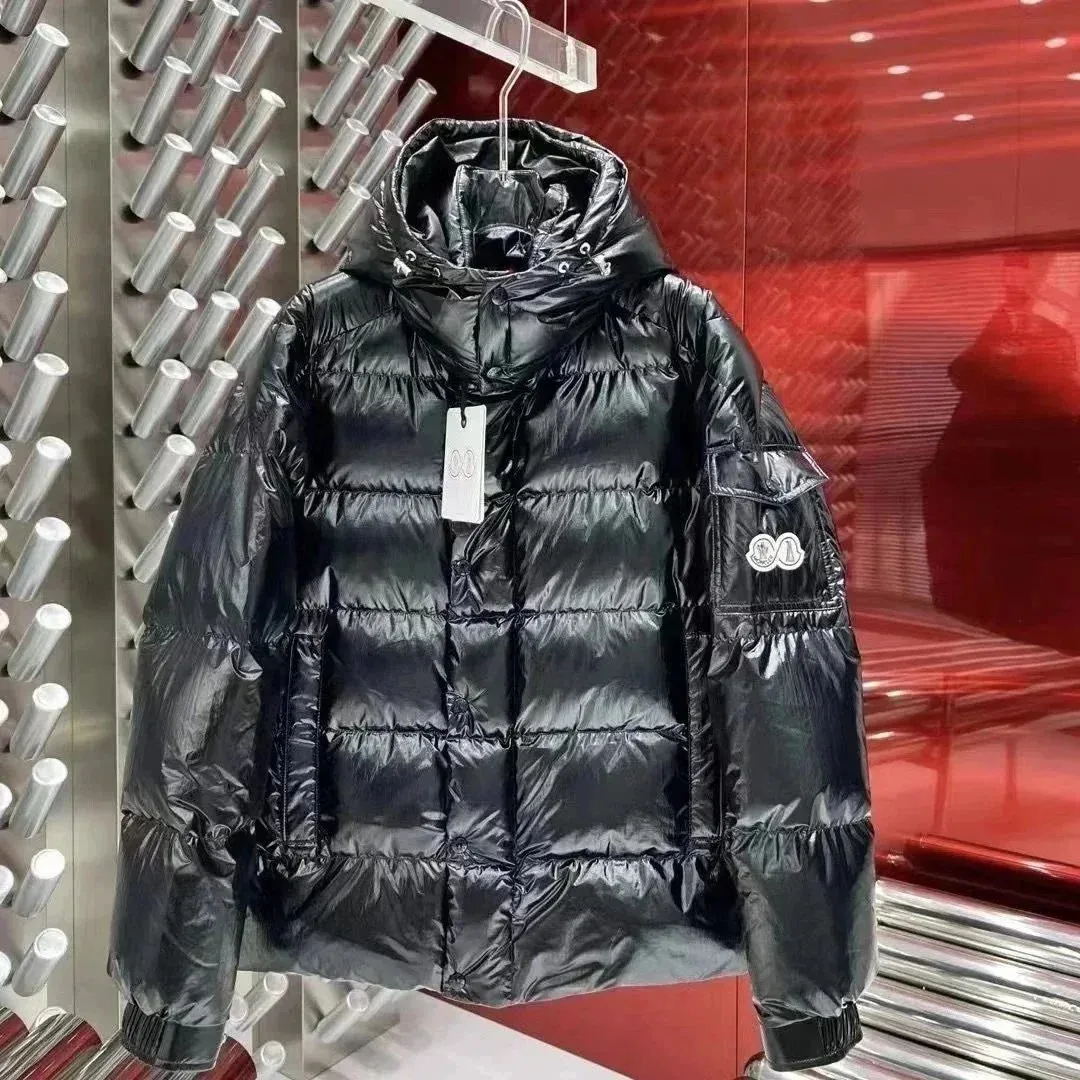
Browse More Spreadsheet Products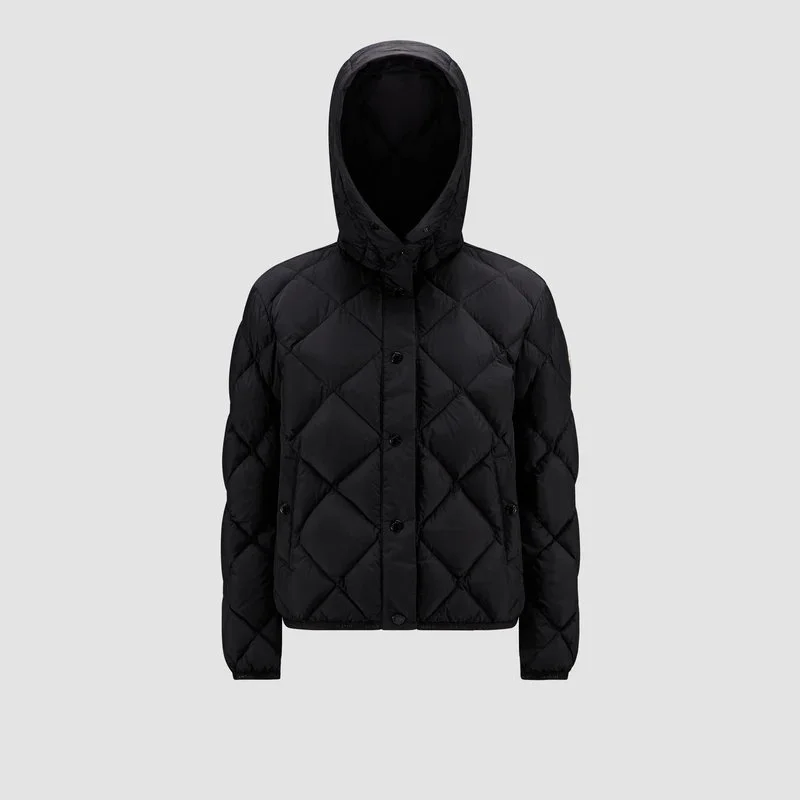
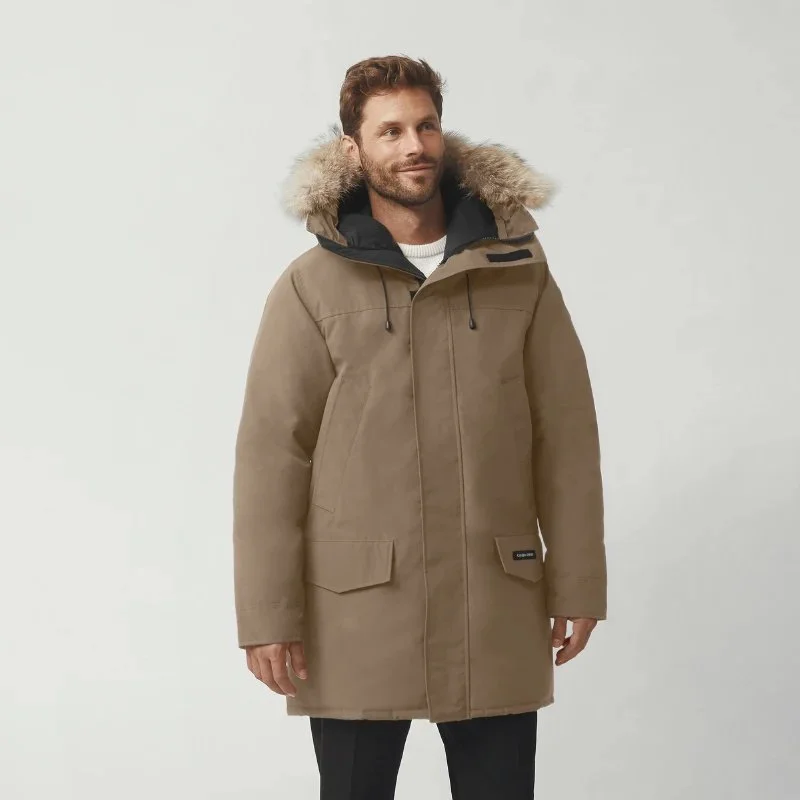
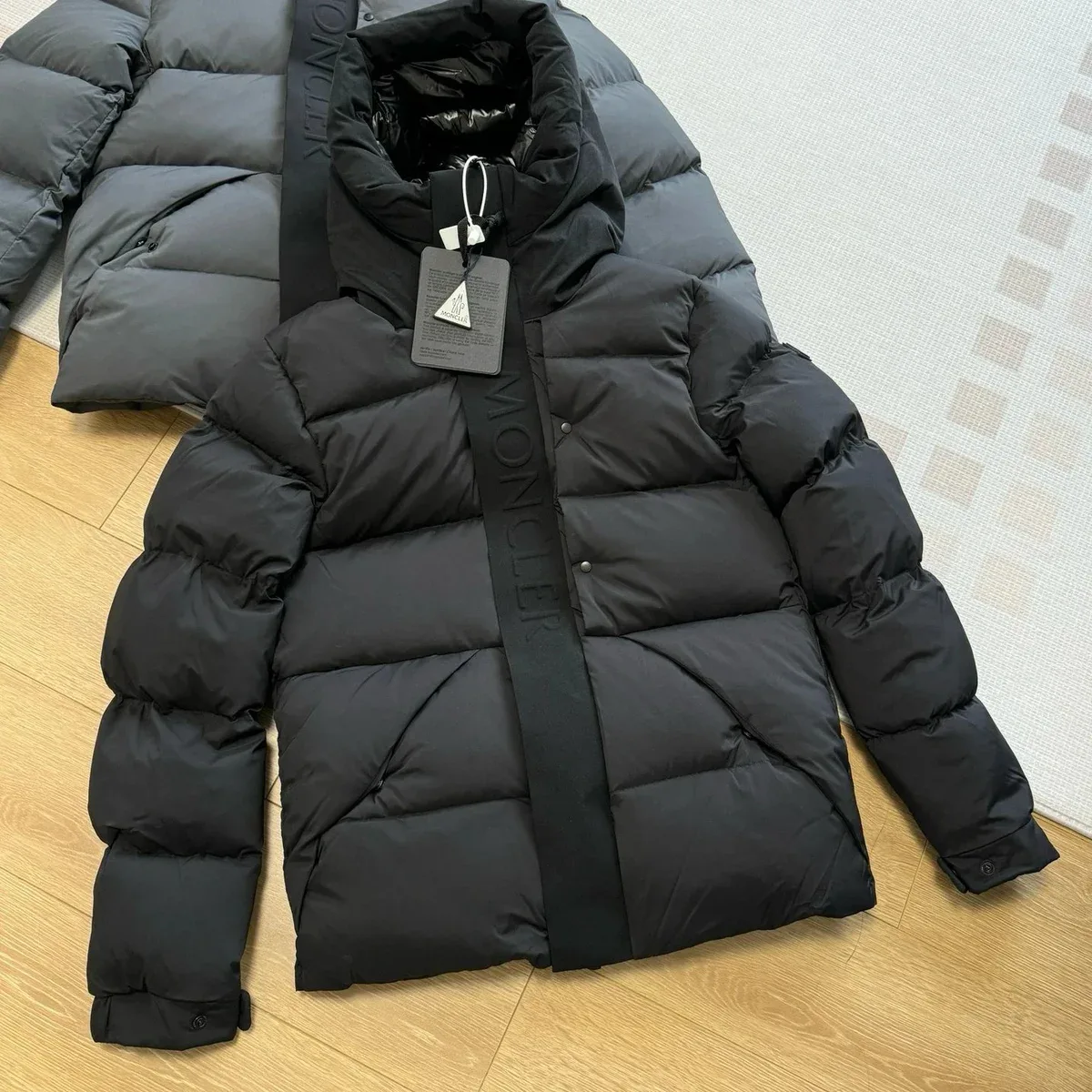
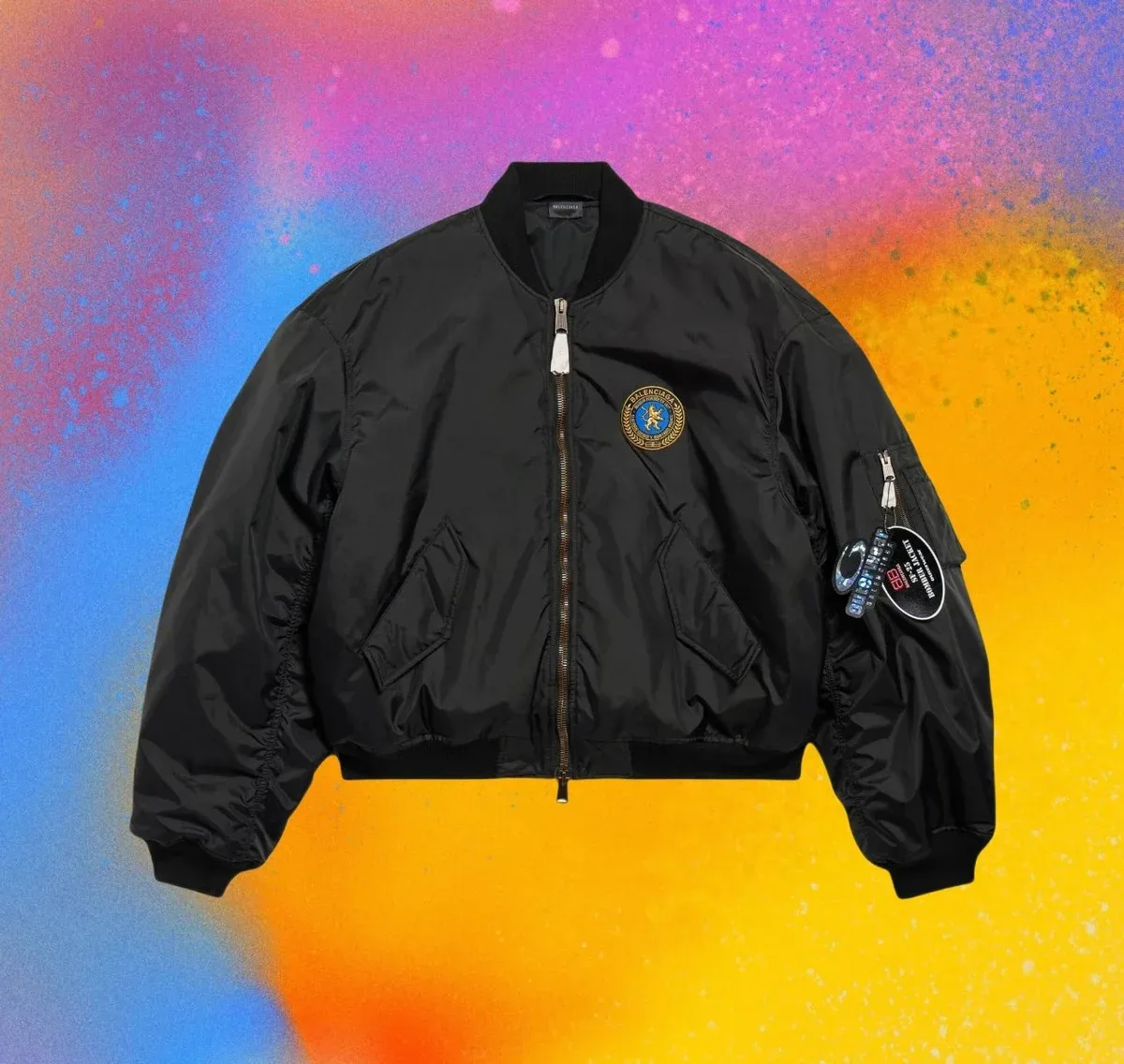
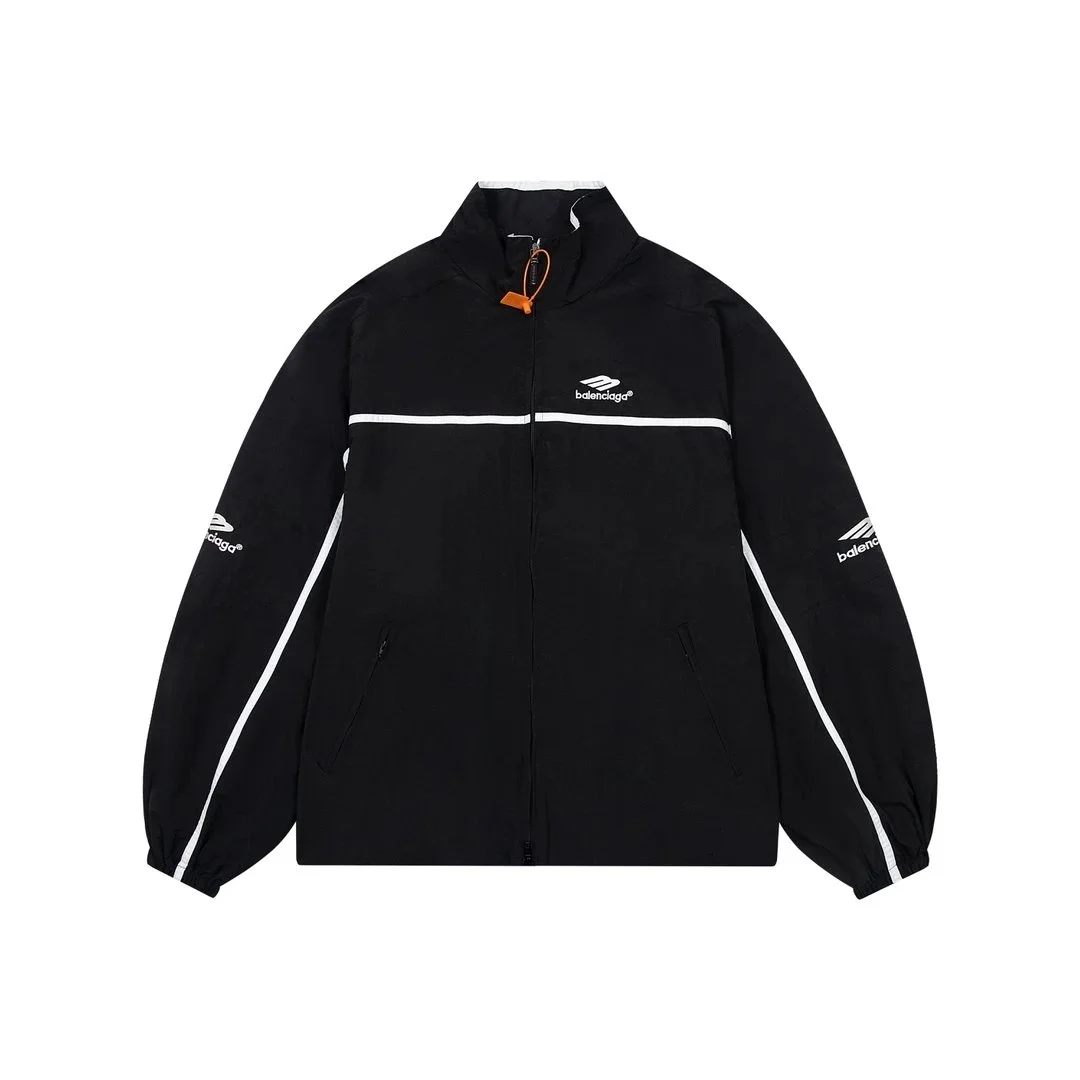

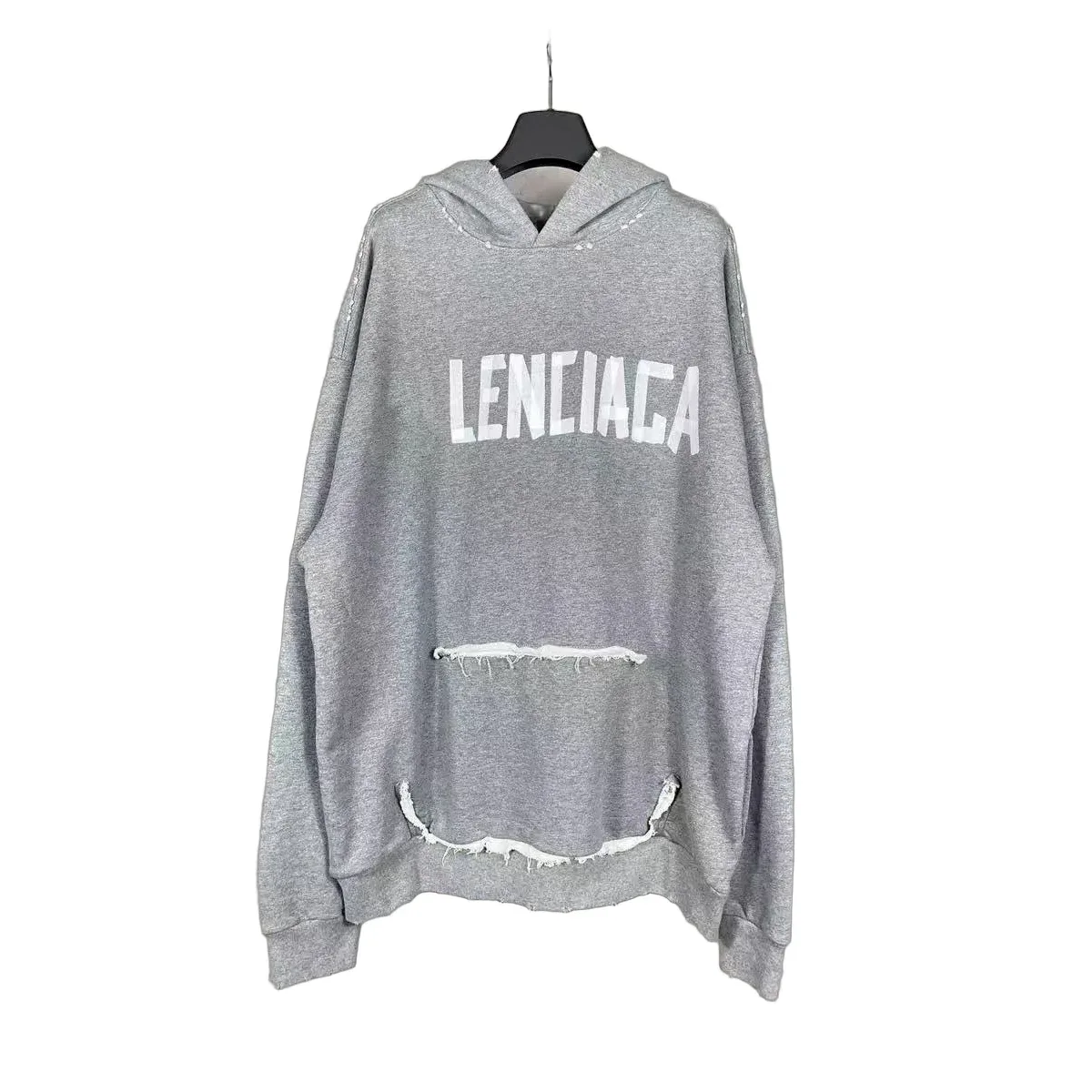
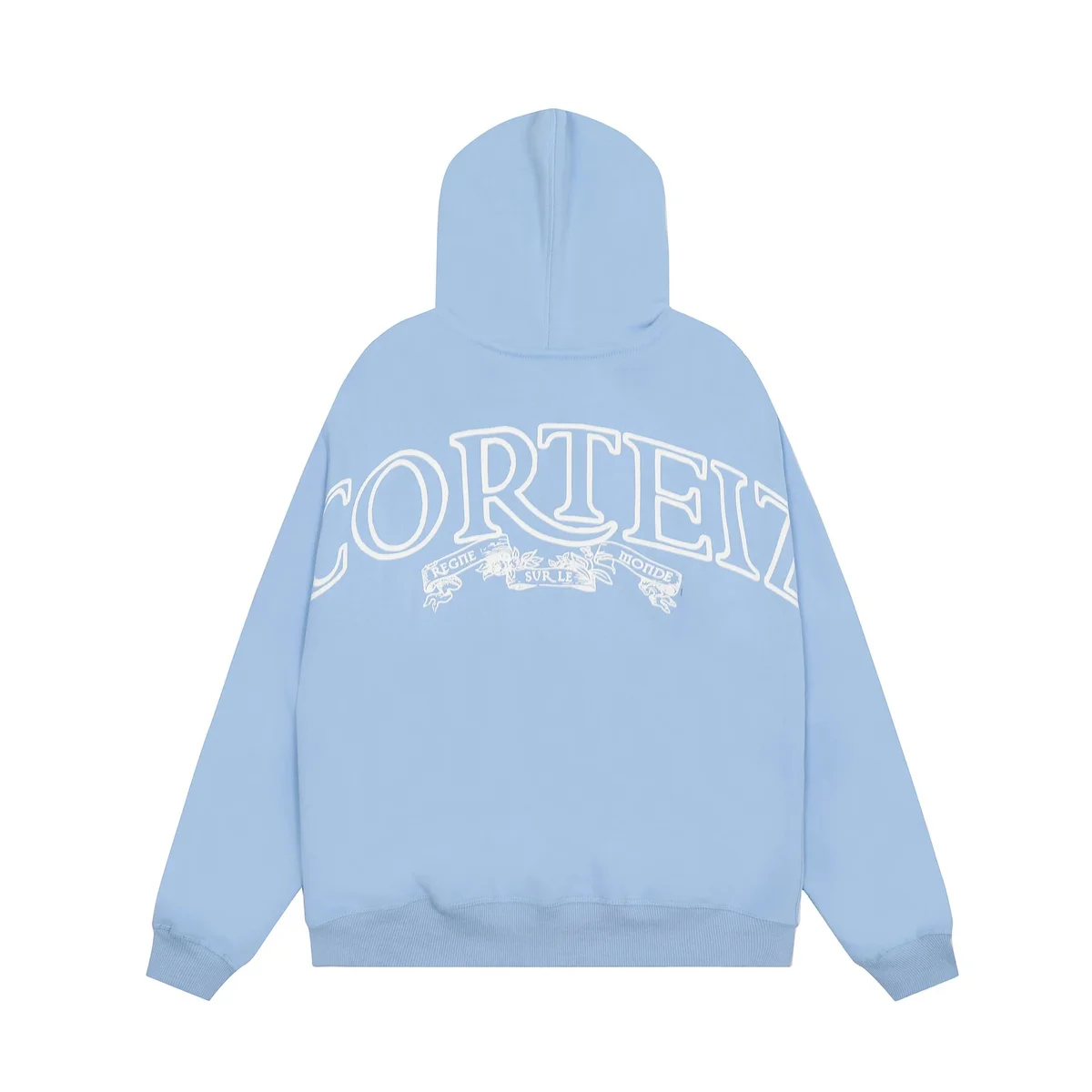

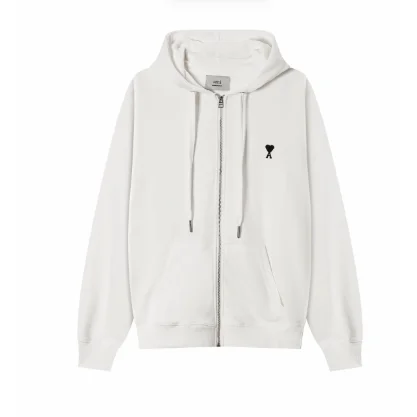
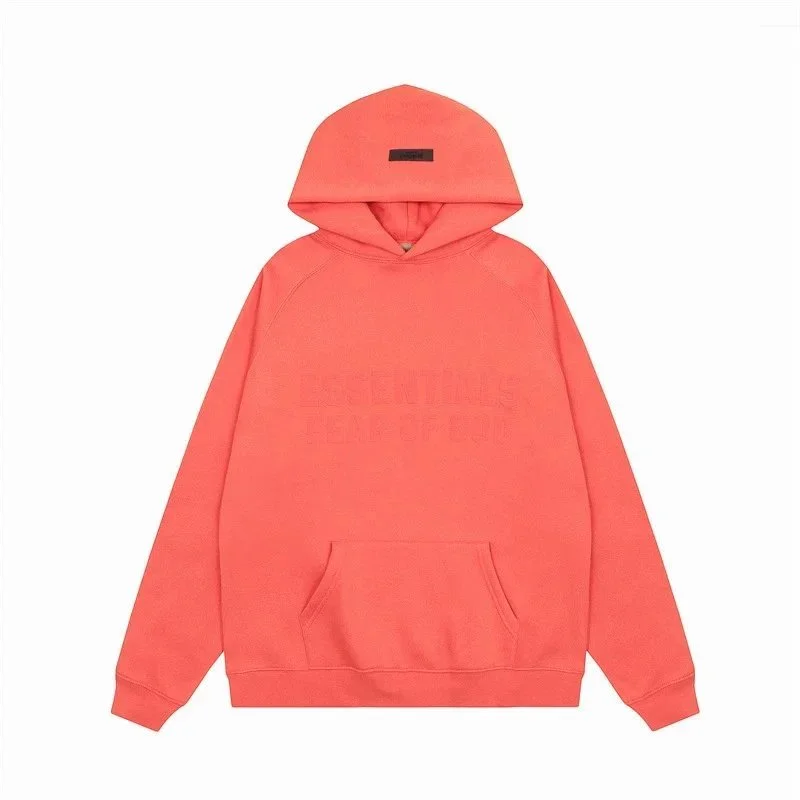
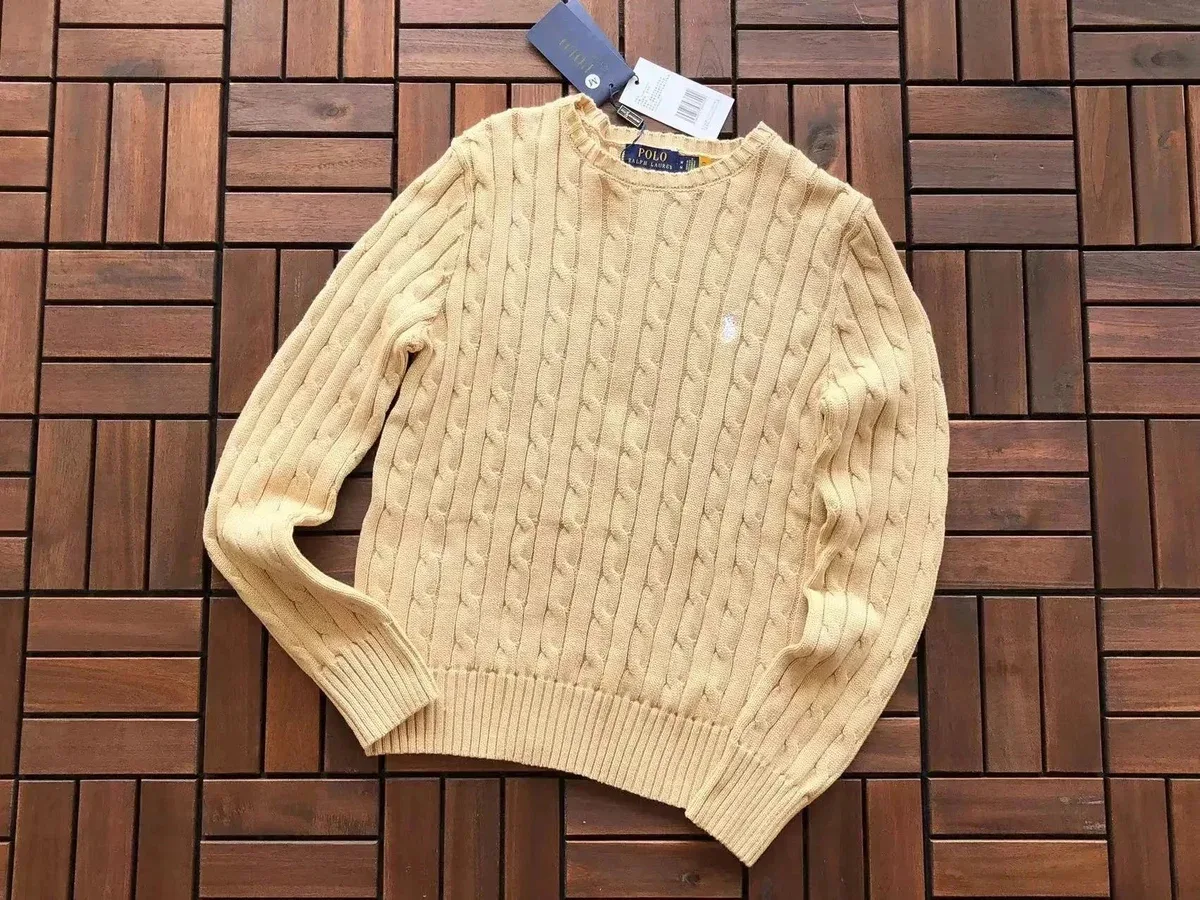
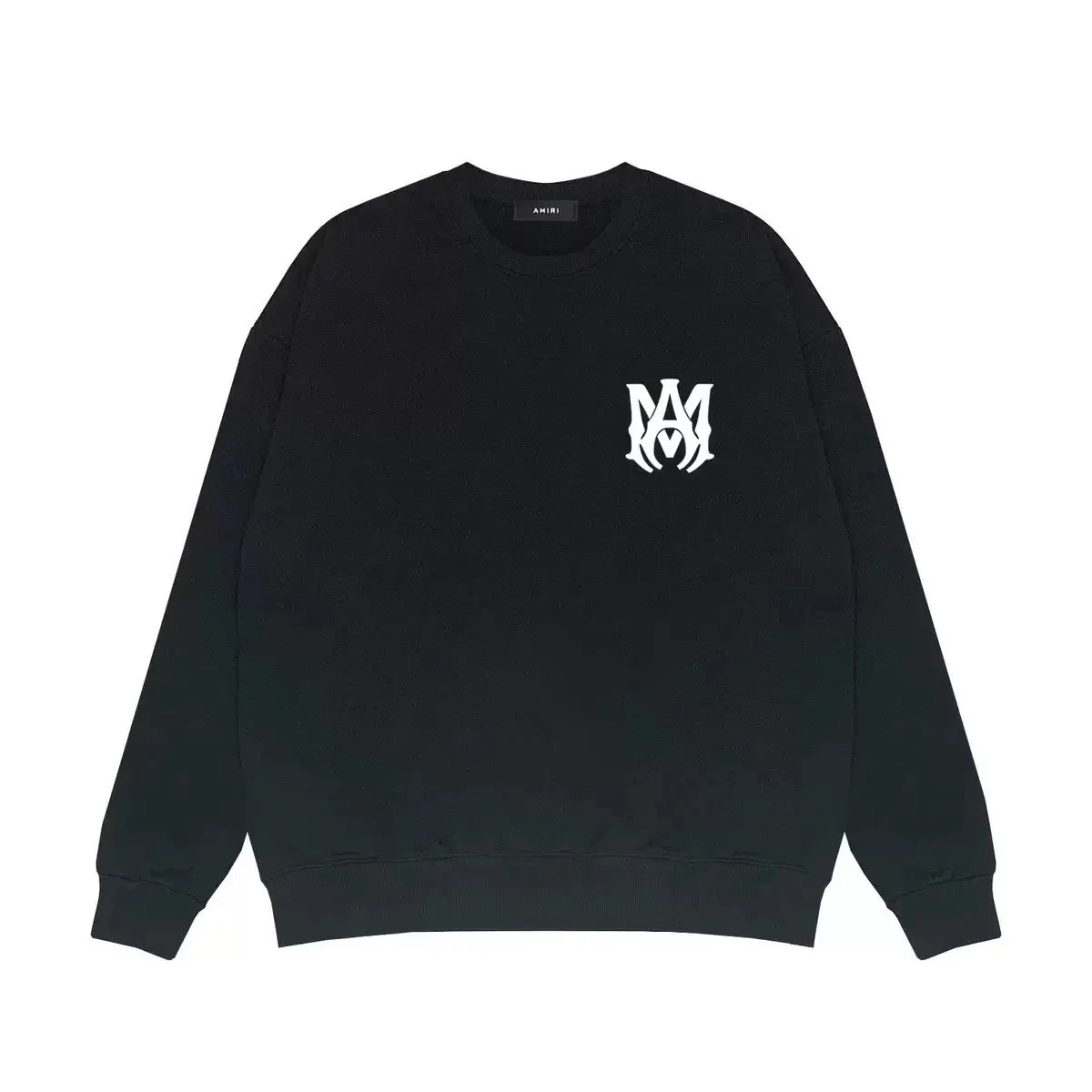

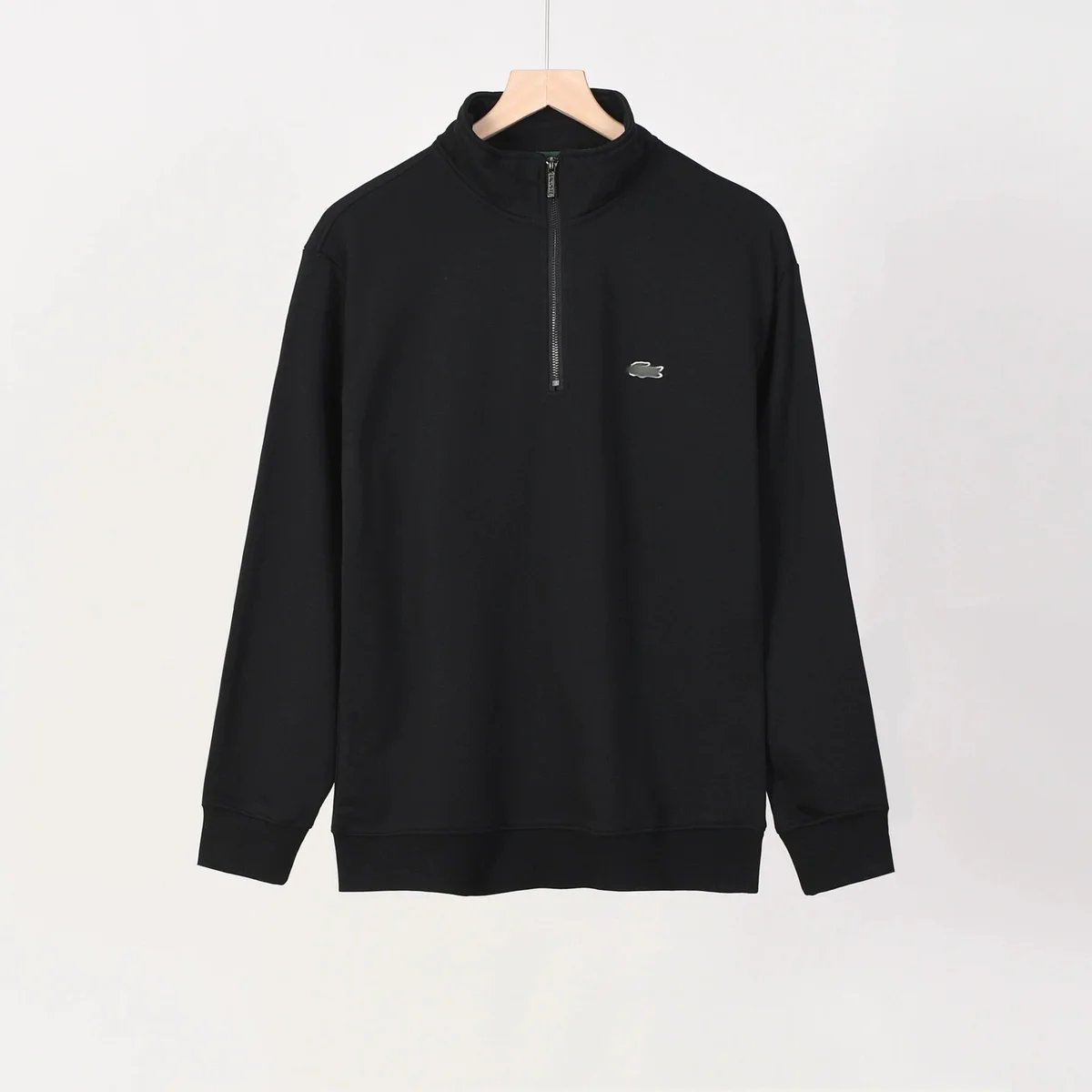

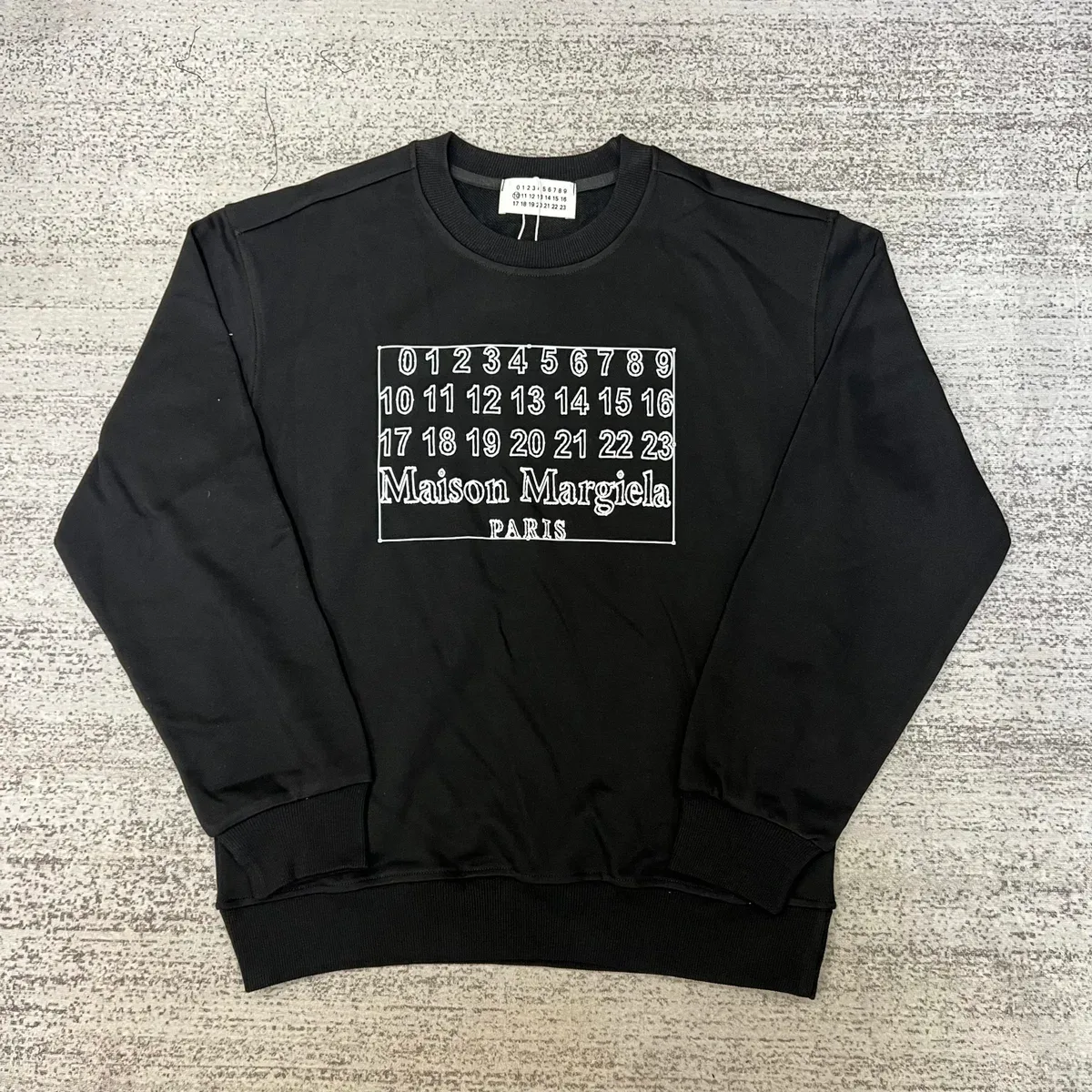
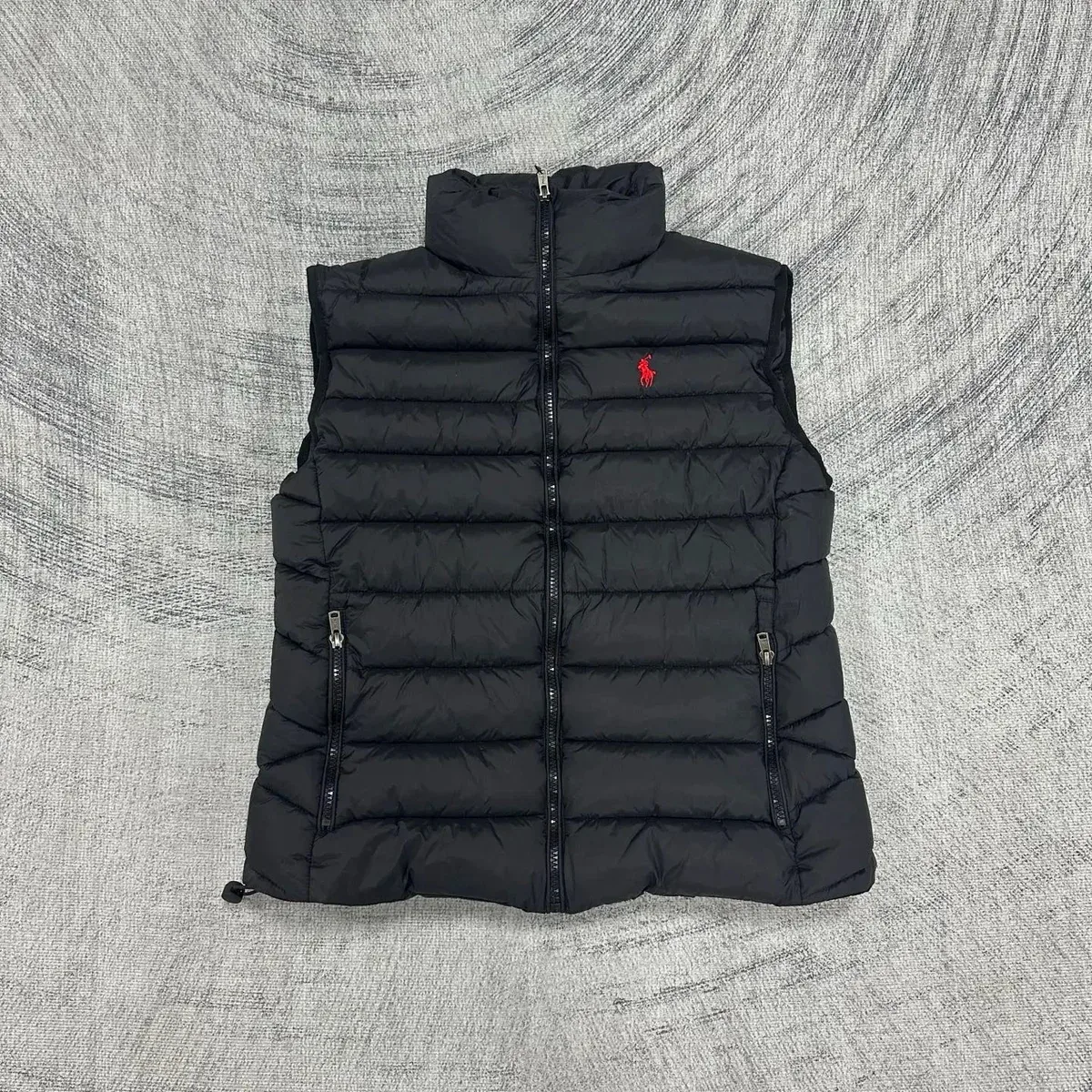
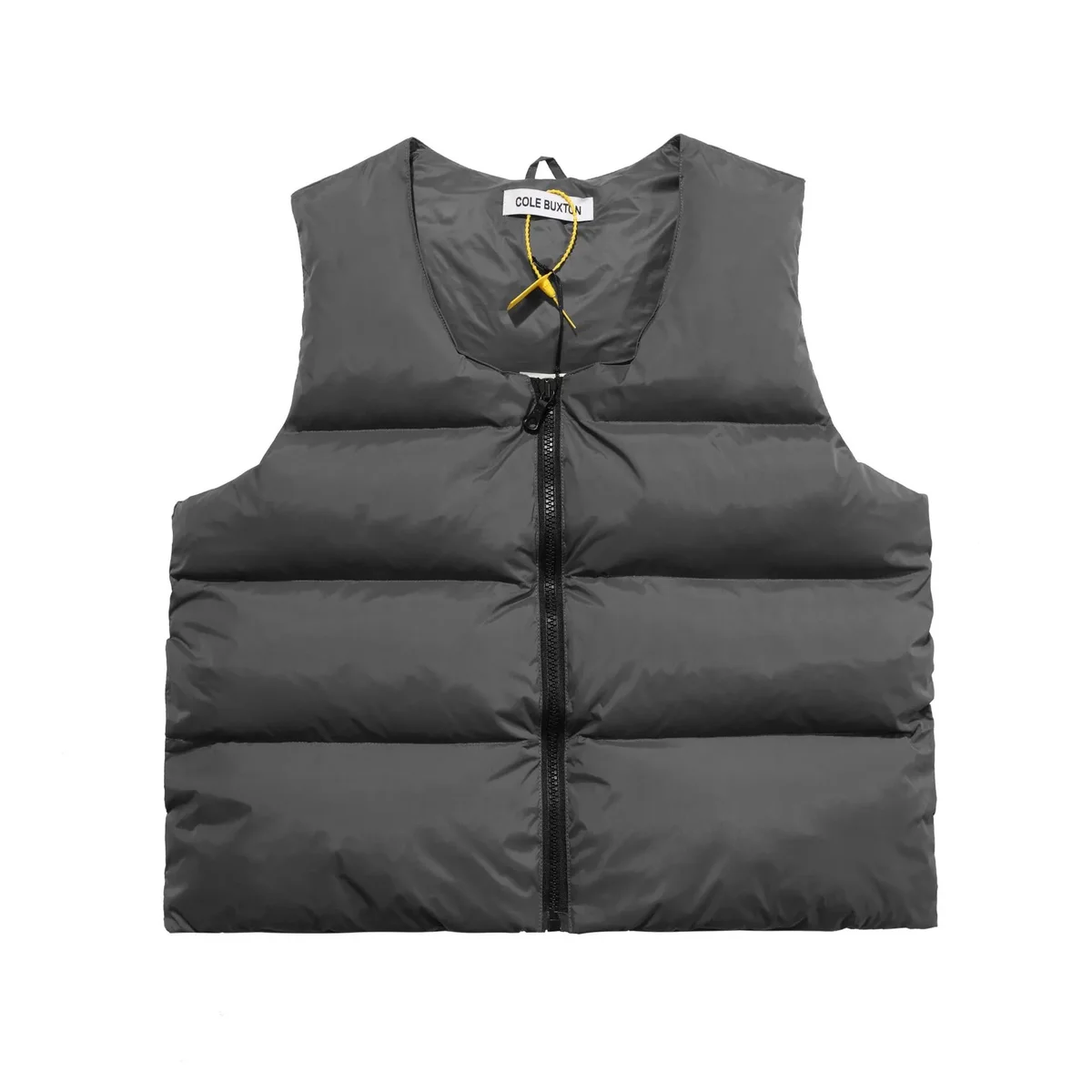

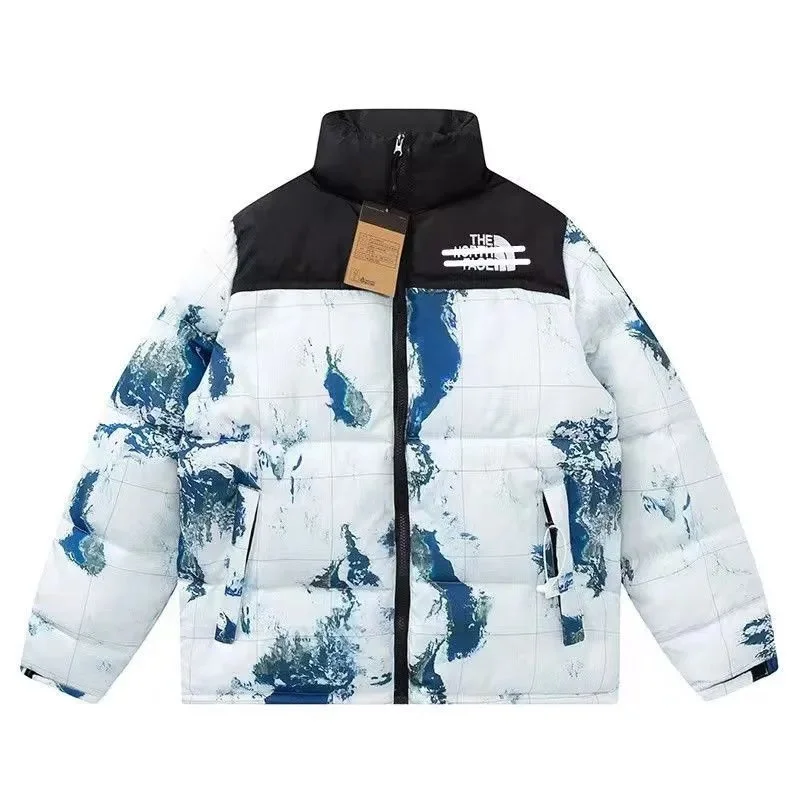
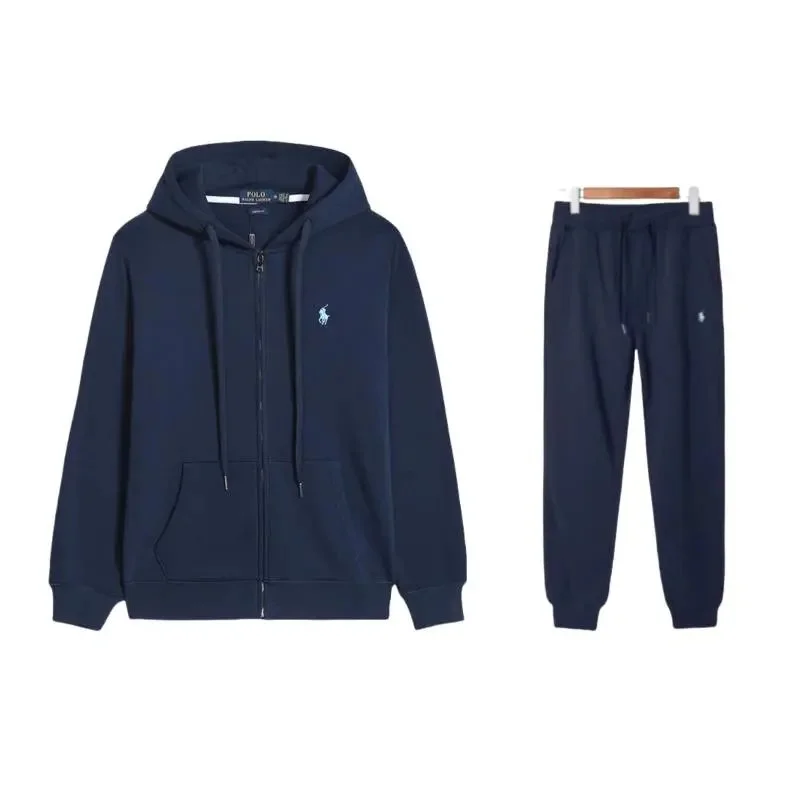
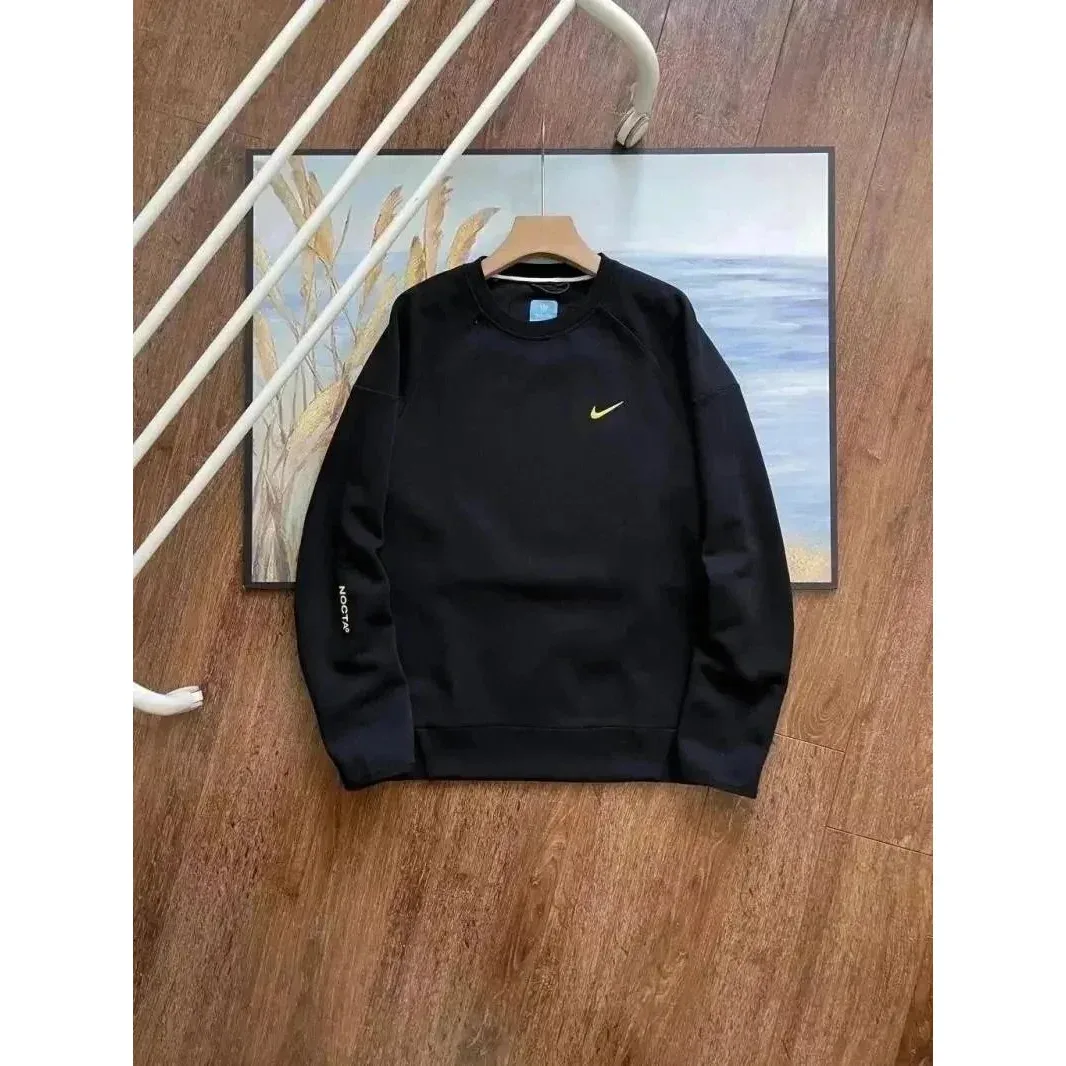
USD item-price estimates only. Shipping and fees are extra. Check the current listing for options and prices.
A CLEARER STARTING POINT
Why use a UIDBuy spreadsheet?
Finding a design you like is only the start. The useful comparison is between the exact style, its recorded price, the size options and the photos that help answer your next question.
This spreadsheet brings those details together in a browsable directory. You can narrow the options, identify what still needs checking and keep the matching product link for the next step.
Explore the categories →FROM DISCOVERY TO YOUR NEXT STEP
How to use the UIDBuy spreadsheet
Four steps to compare a find before continuing to the current listing.
Find a starting point
Choose one of the eight categories, or search the full catalog by brand, product or style. Open a product card to see the recorded details behind the photo.
Compare the exact options
Check the reference price, listed sizes and available styles. Where related styles are shown, select one to view its matching details. Compare measurements with a similar item you already own.
Look through the QC groups
Open the available reference groups and zoom in on the details that matter to you. Check which color or size each group shows; shared photos may represent another option.
Continue with the right link
Use “Copy product link” to keep the selected listing, or open “View product & buying options” in a new tab. Confirm the style, size and current total before ordering on the buying platform.
FEATURES FOR A MORE USEFUL COMPARISON
What this spreadsheet offers
Clear categories, recorded product details and useful ways to look closer.
Eight focused categories
Start with shoes, T-shirts, pants, hoodies, jackets, bags, accessories or electronics. Each category offers 24 selected finds before you explore the wider catalog.
Price context beside the product
Compare USD item-price estimates alongside the recorded photos and options. Keep shipping and other charges separate when deciding what fits your budget.
Related styles in one view
Where styles are available, switch between their photos, titles, prices, size options and QC references without losing the product family you are comparing.
Grouped QC photos with zoom
Review photos in their original reference groups, move between images and zoom in for a closer look. Compare the group label with the exact option you want.
A link to the selected listing
Copy the current product link for your shortlist or open its matching catalog page in a new tab. Return to the same style instead of relying on a product name alone.
Help alongside the finds
Use the buying guides for ordering, QC and shipping questions, the blog for comparisons, and the FAQ for quick answers about how this directory works.